
Invoice Template for Canada (with GST/HST)
A clean, printable invoice that adds the right GST/HST for your client's province, plus a log that flags overdue invoices.
MTC_Invoice_Template_Canada_GST_HST_2026.xlsx· 15 KB
Opens in Excel, Apple Numbers and Google Sheets (File, then Import).
- One-click download
- Free, no subscription
- Mac, PC & Mobile
- 100% Private & Offline
Canadian-Specific
Key Features & Capabilities
Designed specifically around Canadian payroll, tax forms, and account structures:
- Pick the billing province: GST or HST is added at the right rate
- Your GST/HST number on every invoice, as clients need it to claim ITCs
- 12 line items with quantity × rate, subtotal, tax and total
- Prints or saves to PDF on a single page
- Invoice log marks each invoice Open, Paid or Overdue by itself
- "Not registered" option for small suppliers who don't charge tax
Complete Toolkit
What's Inside (3 Components)
Everything you receive immediately upon download:
- How to use guide
- Invoice (printable, one page)
- Invoice Log (100 rows)
Detailed Walkthrough
Professional invoices in a minute
Fill in your business details once, then each invoice is just a new number, a client and a few lines. The template adds the right sales tax for the province you are billing into and prints on one page.
What a Canadian invoice should show
- Your business name and address, and the invoice date and number
- Your GST/HST registration number if you are registered: clients need it to claim input tax credits
- The amount before tax, the GST or HST charged, and the total
- Payment terms and how to pay
Keep track of who has paid
Record each invoice in the log. Its status changes from Open to Overdue after the due date, and to Paid once you enter the payment date, with a running total of what's outstanding.
Target Audience
Who This Template Is For
Frequently asked questions
Do I need to charge HST on my invoices?
Only if you are registered for GST/HST. Most businesses must register once sales pass $30,000 in four consecutive quarters. If you are not registered, choose "Not registered" and no tax is added.
Which province's tax rate do I use?
Generally the province where the service or product is supplied, which is usually where your client is located.
Does it work in Google Sheets and on a Mac?
Yes. It is an Excel workbook (.xlsx) that opens in Excel for Windows and Mac, Apple Numbers, and Google Sheets (upload it to Drive, then open with Google Sheets). Formulas recalculate as you type.
You Might Also Like
Other curated spreadsheets for Canadian finances
 Free
Excel · Google Sheets
Self-Employed
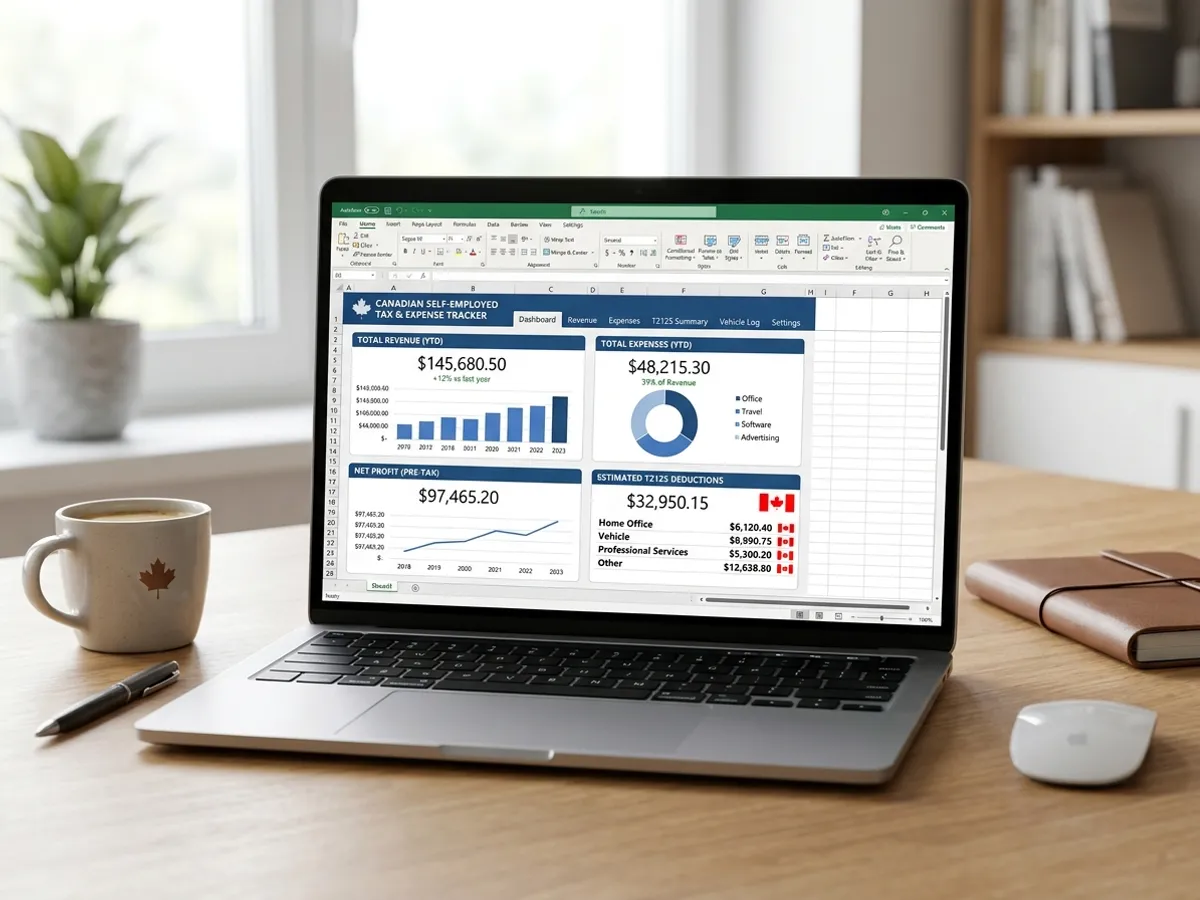
Self-Employed Tax & Expense Tracker for Canada (T2125)
Track business income, CRA T2125 write-offs, GST/HST remittances, and vehicle mileage in one complete Excel workbook.
 Free
Excel · Google Sheets
Self-Employed
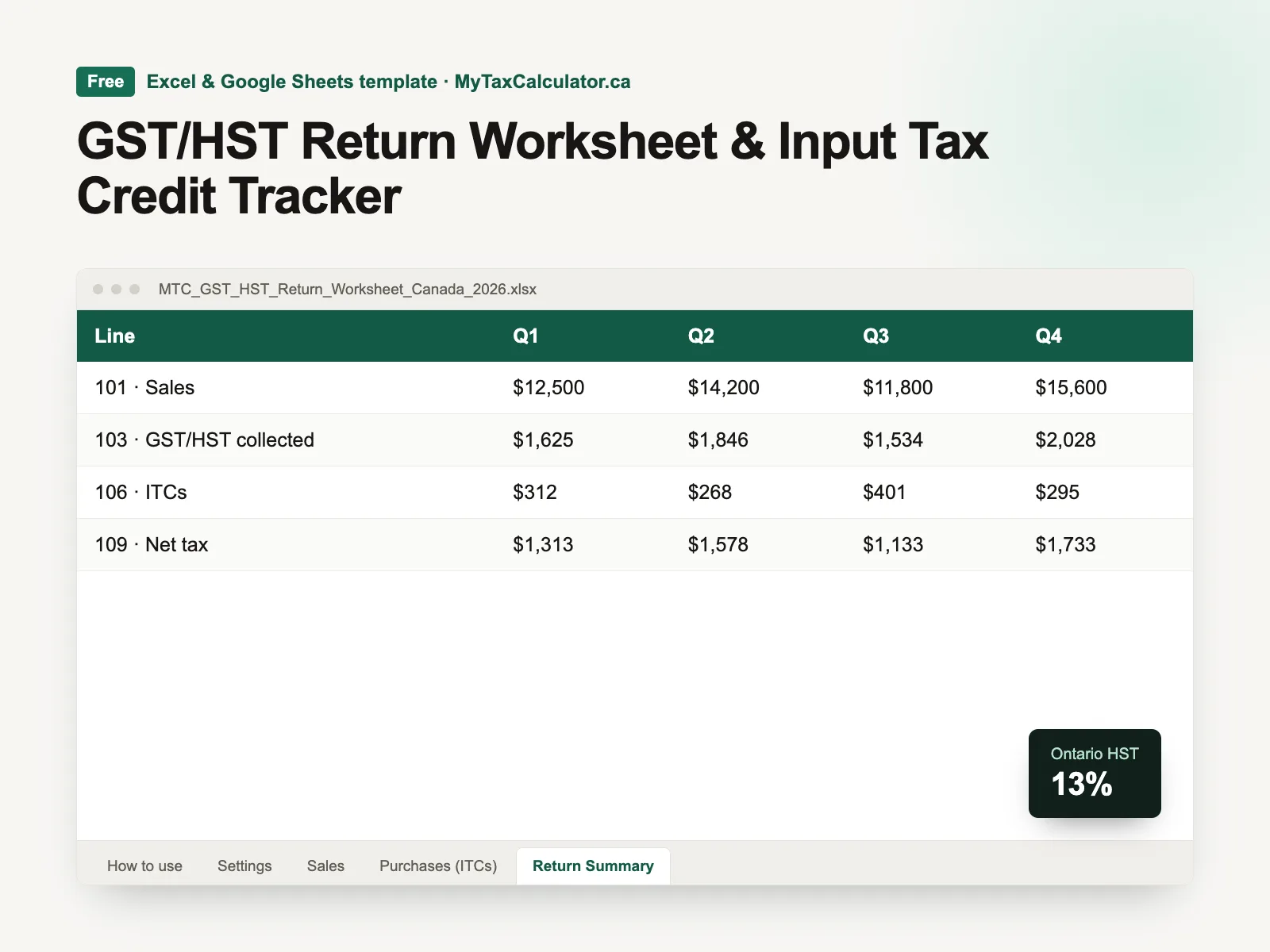
GST/HST Return Worksheet & Input Tax Credit Tracker
Track GST/HST charged on sales and paid on expenses, and read off lines 101, 103, 106 and 109 for every quarter.
 Free
Excel · Google Sheets
Budgeting & Debt
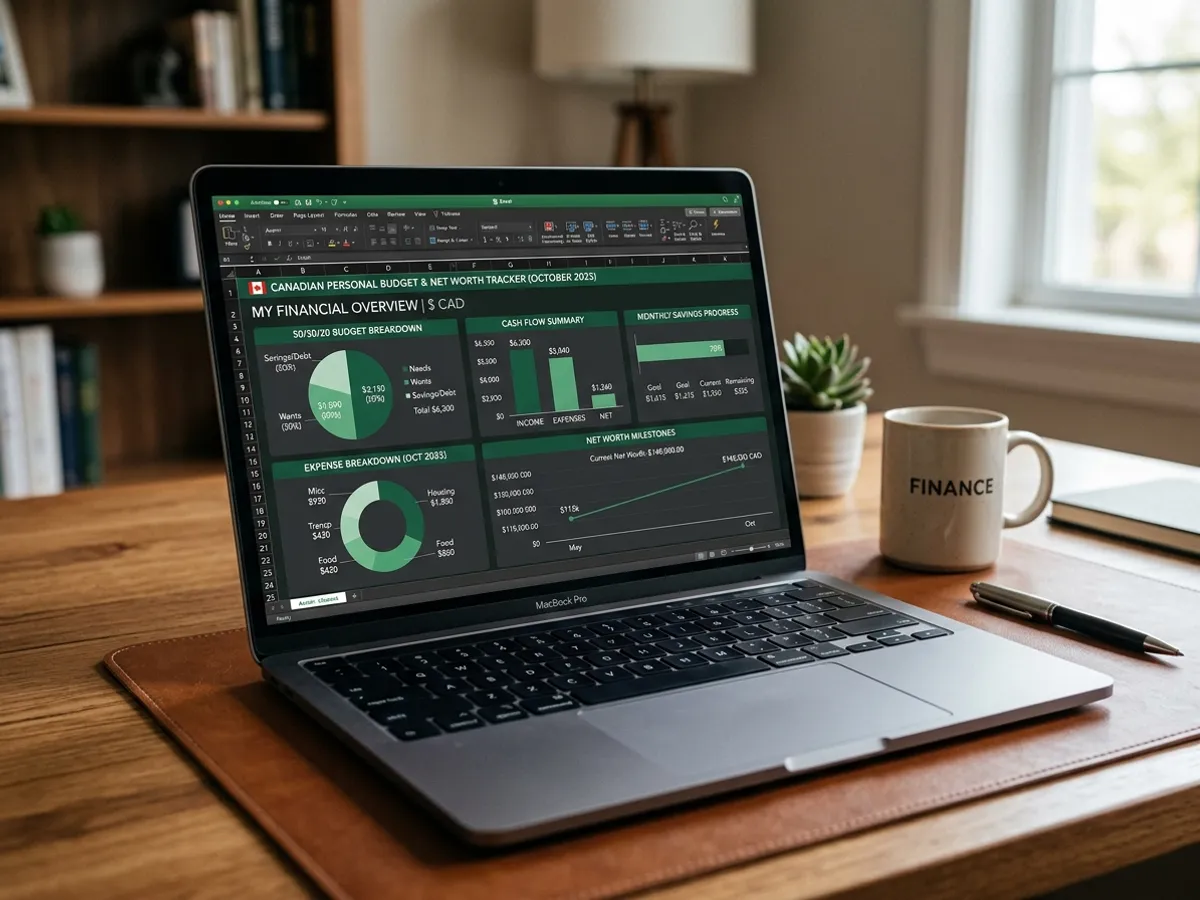
Canadian Personal Budget & Net Worth Dashboard (50/30/20)
Master your monthly cash flow, crush debt with snowball/avalanche, and track your growing net worth in Canadian dollars.